Introduction
Parabase is a Scratch music sequencer with a variety of available instruments, tempo, detune, and a few more parameters.
On this website you can learn more about how it works and use some external tools.
Getting Started
To start using Parabase, go to this link:
https://scratch.mit.edu/projects/1291422756
It should take you to this page:
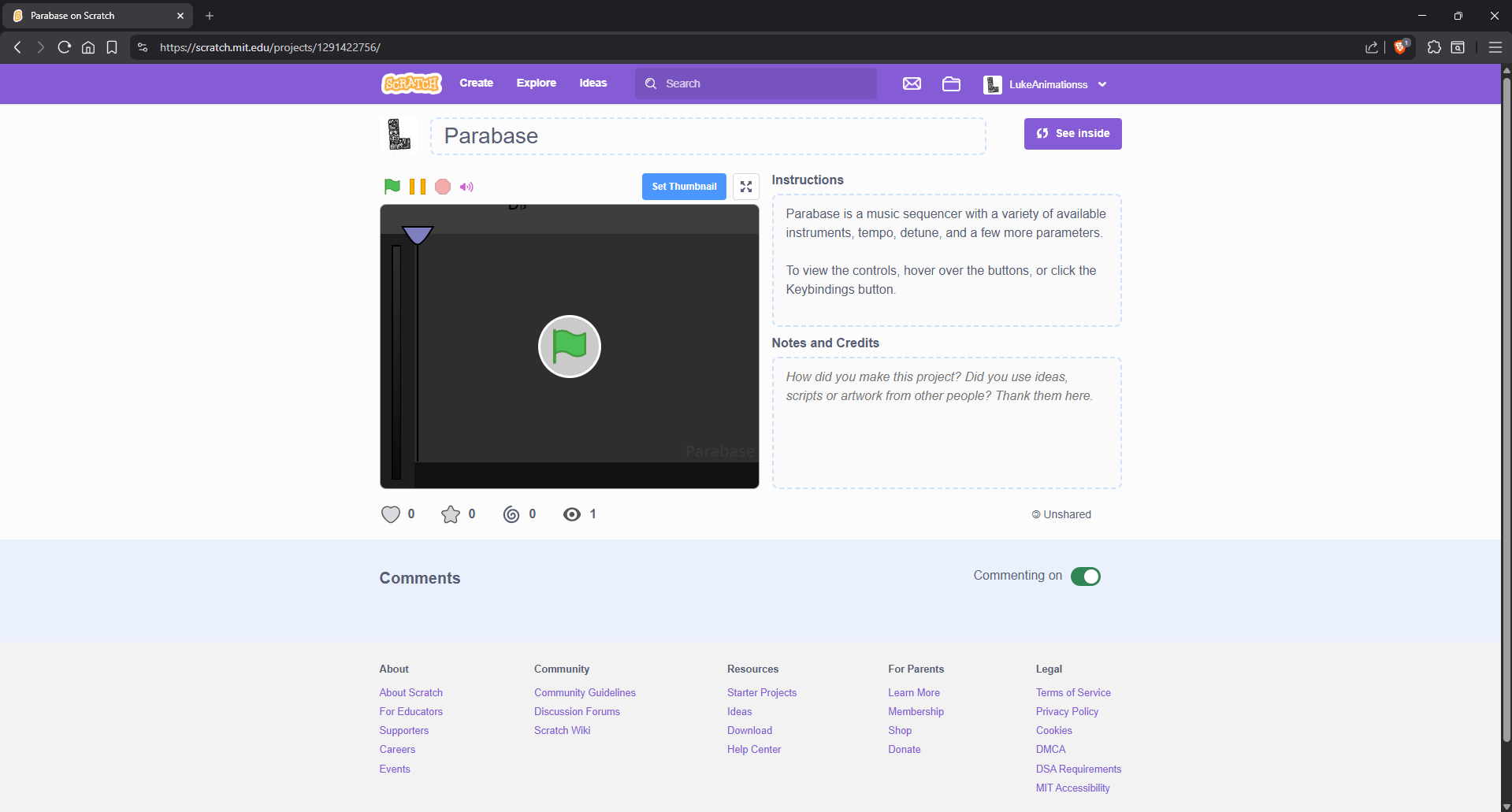
Parabase Scratch screenshot.
Press the green flag to start the program.
It should take you to a blank Parabase pattern:
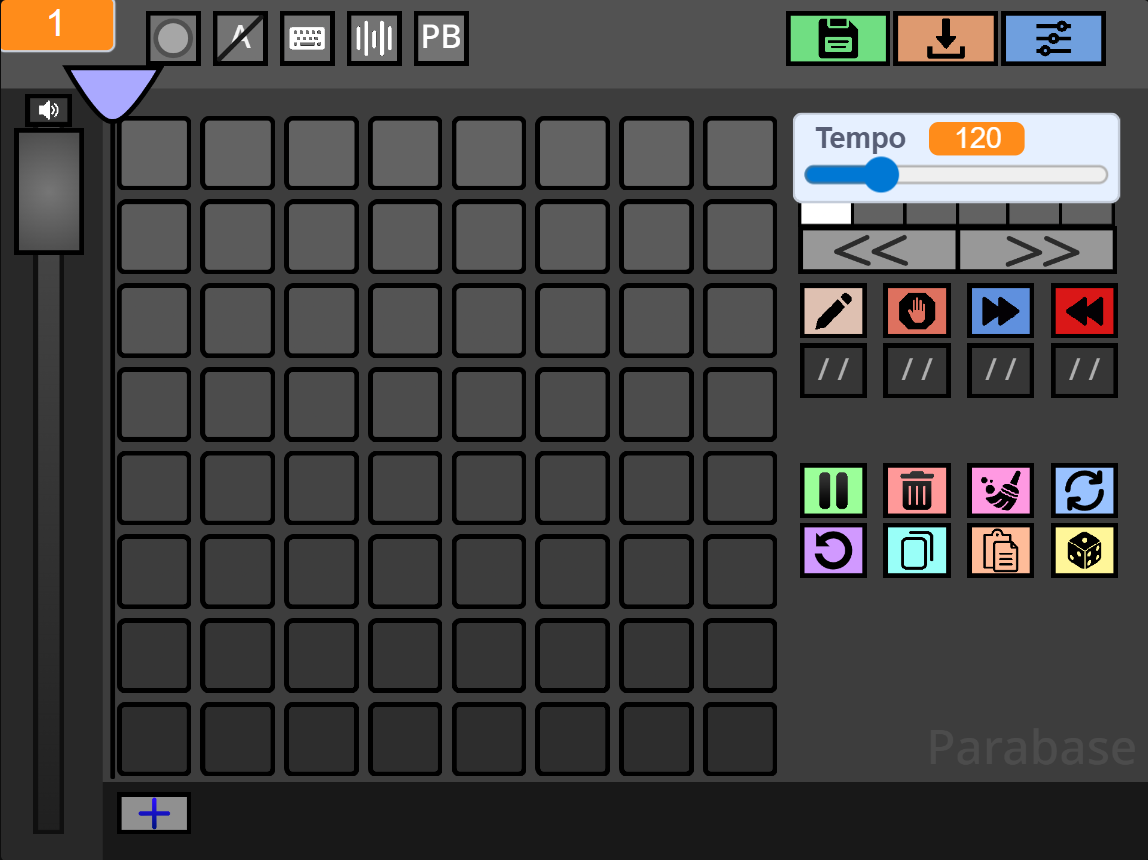
Save & Load
To save your Parabase songs click here:
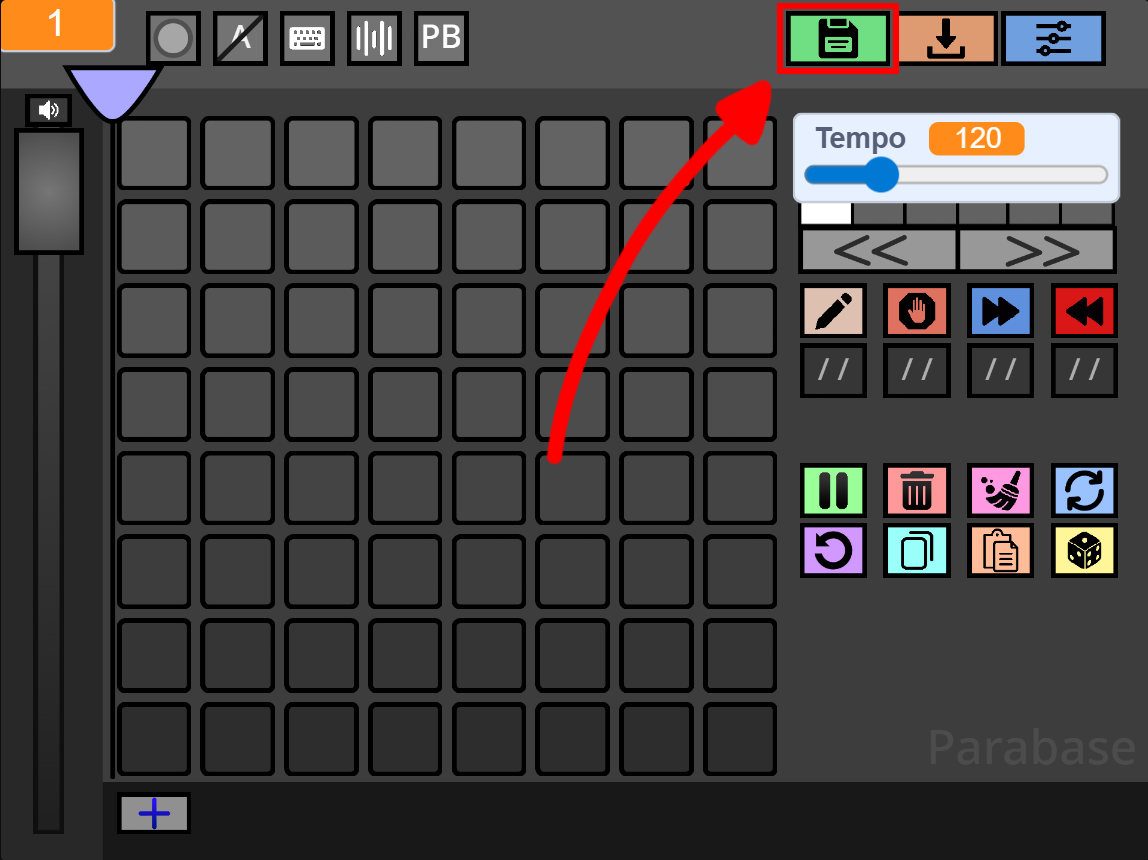
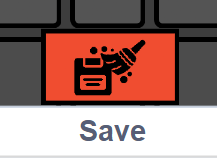
This will open a list of all your recent saves, but you can clear the list with this button:
Instead, to load your already saved songs, you can click here:
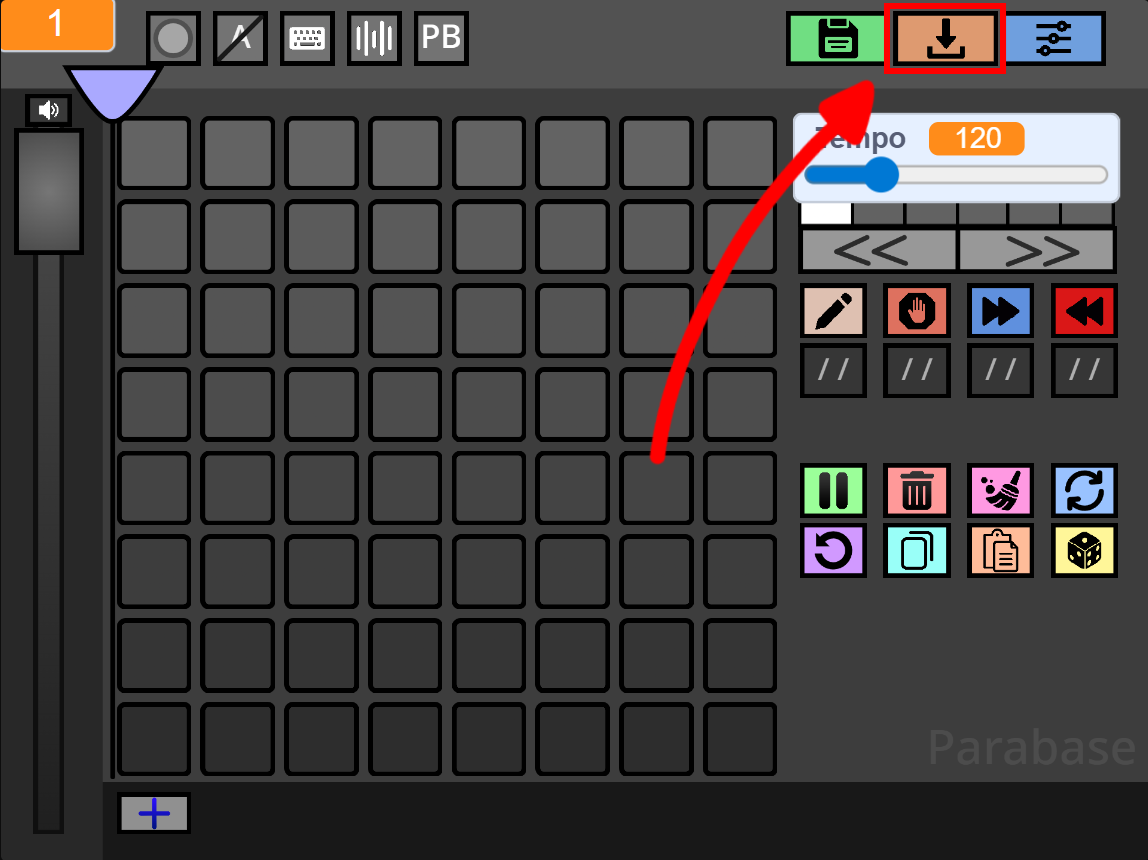
Keybinds
You can change Parabase shortcuts, by changing the Keybinds, by clicking here:
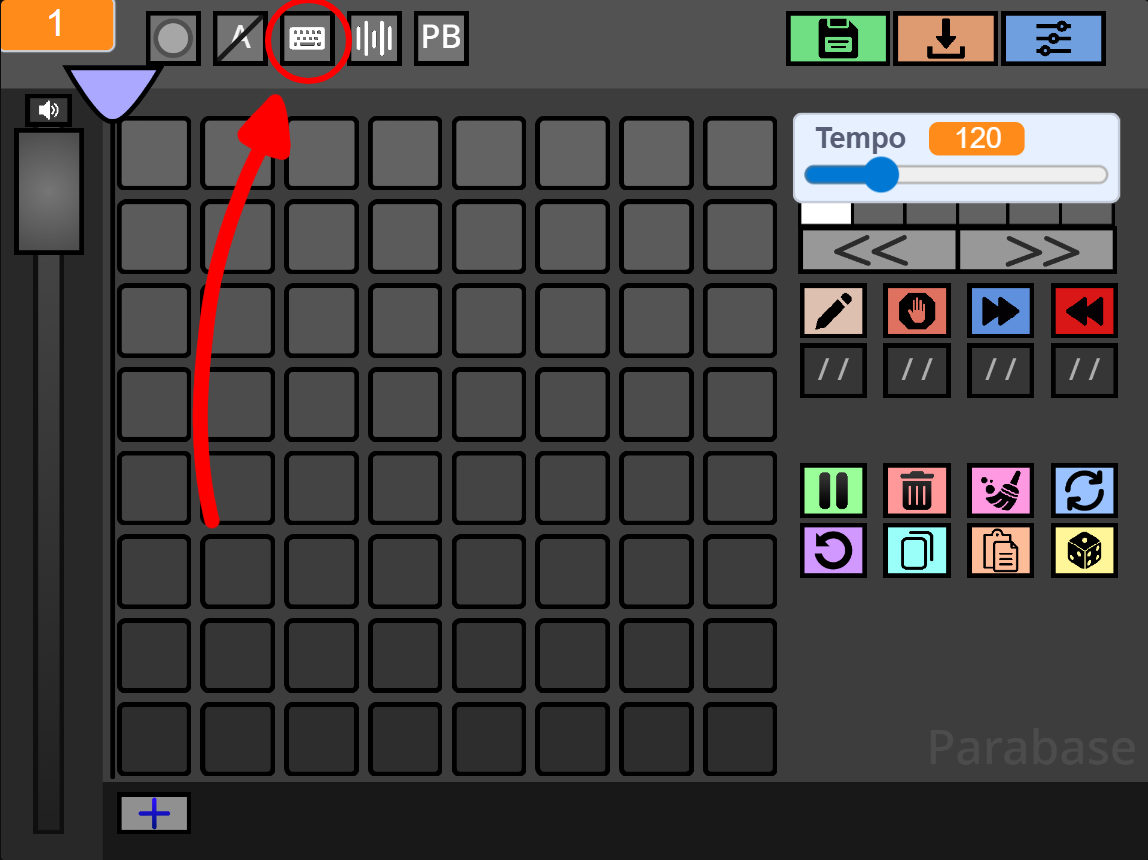
These are all the default Keybinds:
| Keybind | Action |
|---|---|
Space |
Pause/Resume playhead moving. |
R |
Refresh pattern attributes. |
E |
Move playhead to mouse. |
D |
Delete current pattern. |
X |
Clear current pattern. |
Z |
Undo last action. |
C |
Copy pattern. |
V |
Paste pattern. |
Enter |
Create new pattern. |
Right Arrow |
Go to next pattern. |
Left Arrow |
Go to previous pattern. |
H |
Shift notes left. |
J |
Shift notes down. |
K |
Shift notes up. |
L |
Shift notes right. |
G |
Generate random pattern. |
I |
Go to previous page. |
O |
Go to next page. |
1 |
Set mode to draw. |
2 |
Set mode to end. |
3 |
Set mode to next. |
4 |
Set mode to previous. |
M |
Mute/Unmute. |
None |
Next parameter. |
None |
Previous parameter. |
Playhead Return
If you're wondering what the "Playhead Return" option located here does:
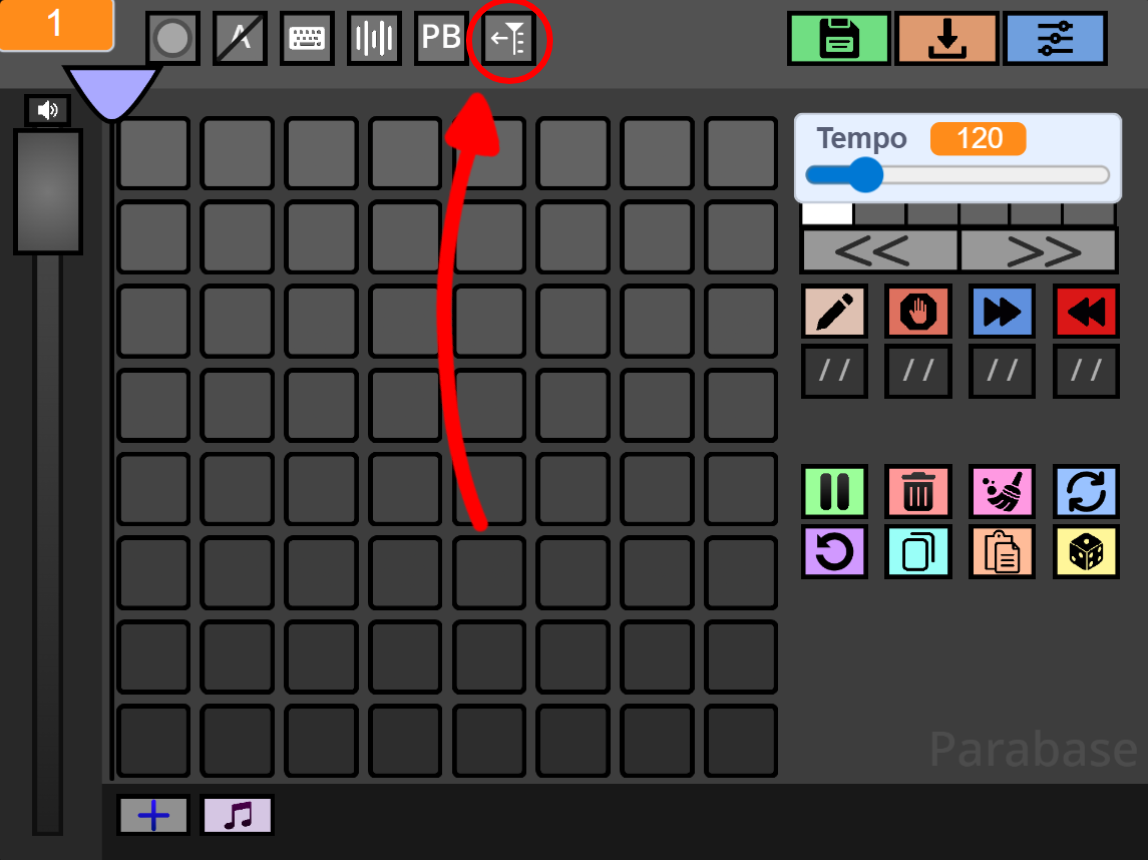
It will reset the Playhead to the beginning on any pattern update (attribute refresh, theme change, etc.)
BPM Conversion
On Parabase you can choose whether to use its tempo, or BPM, by clicking here:
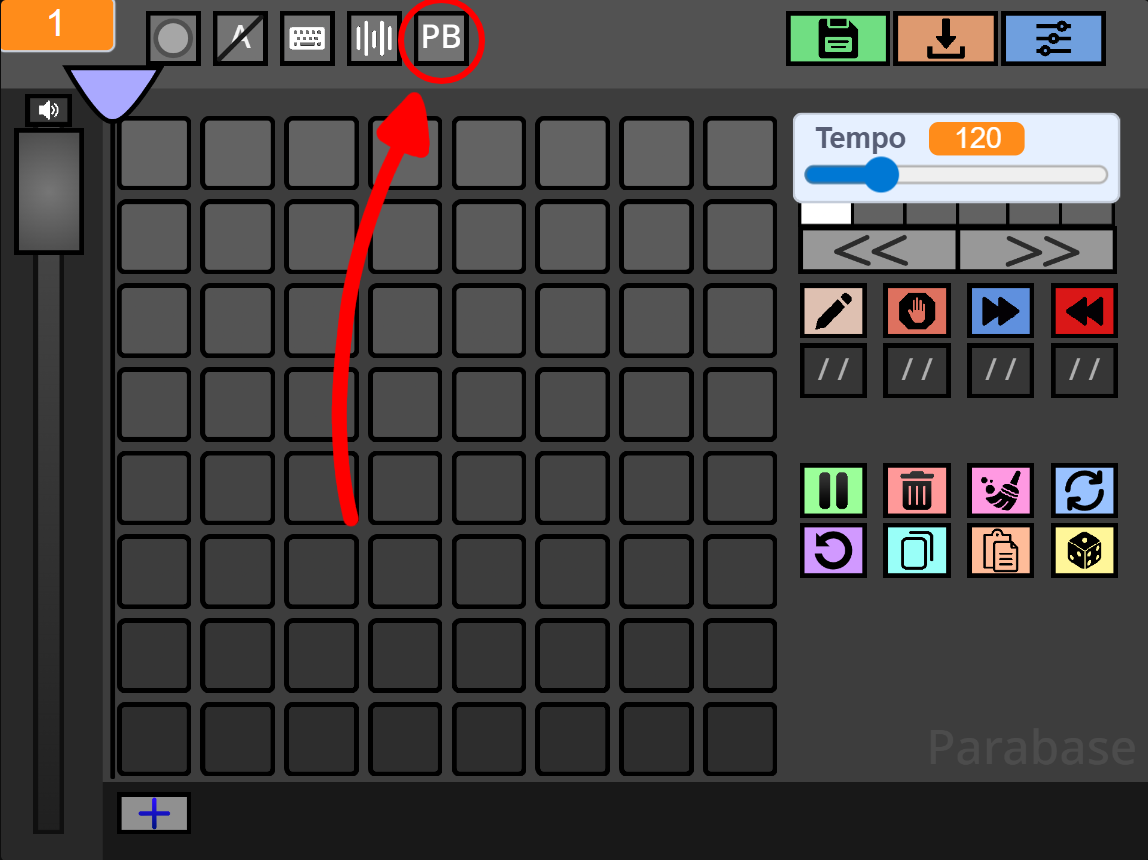
The formula to convert from PB to BPM is PB / 3.85, while the reverse is BPM * 3.85.
ParaConverter
Paste your save code below to generate and download a .mid file.
Loading...